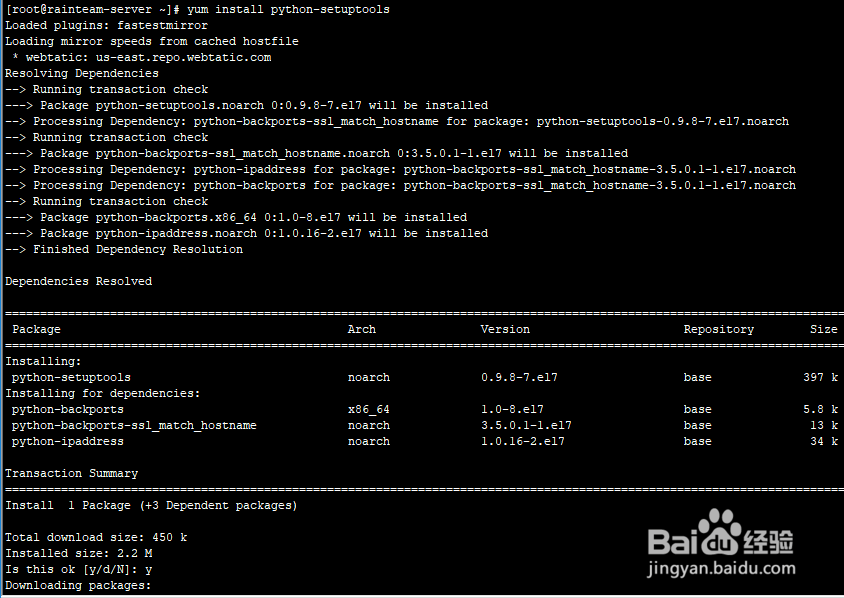
1、安装python-setuptools
yum install python-setuptools
遇到提示时, 输入y命令

2、安装Supervisor
easy_install supervisor

3、创建supervisor配置文件夹
mkdir /etc/supervisor

4、配置Supervisor
echo_supervisord_conf > /etc/supervisor/supervisord.conf

5、修改supervisord.conf文件
将文件尾部的配置,修改为:
[include]
files = conf.d/*.conf
vi /etc/supervisor/supervisord.conf

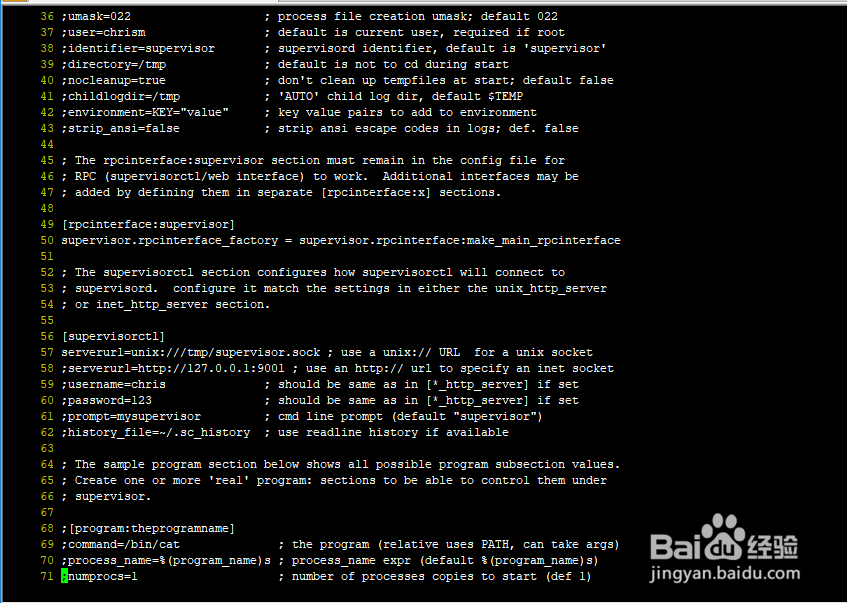


6、查看supervisord.conf文件
cat /etc/supervisor/supervisord.conf


7、至此已经安装并配置完成
将守护进程启动
supervisord -c /etc/supervisor/supervisord.conf
